

5 hidden Microsoft 365 features you should know about
There are so many apps and features in Microsoft 365, it's difficult to know them all. But, if you're not using every feature that could add value for you, you're leaving money on the table. In this video we take a look at 5 features that are included in all Microsoft 365 subscriptions, but are not well known by a lot of end users.

Create your NEW LOOK on Microsoft Teams - Avatars Tutorial
The Microsoft Teams Avatars app lets you create a virtual you to attend your meetings when your meetings when it's not convenient to get on camera. Whether you are fatigued from a long day of meetings, or just not in a good location to turn your video feed on, your avatar has your back so you can participate along with your colleagues.
Outsourced IT. How, when, and why to engage an MSP for your small business
As small businesses scale, IT can be a real challenge. When is it time to move from the business owner or a trusted initial employee being the admin to a more professional and focused arrangement? Do you need to start building an IT team?

3 Reasons to STILL Be Excited About AI
There have been so many amazing announcements about AI in the last month, from Microsoft 365 Copilot to Generative AI in Google Workspace, to GPT-4, to image creation in Bing... the list goes on. But also, the list of those with concerns about this technology has grown too. There is a big push to slow down development and even pause all development for 6 months.
Transform your customer feedback process with AI
Everyone is talking about AI right now, but where are practical examples that small businesses can use to inject AI into their work without starting from scratch? In this video we'll do just that, teaming GPT-3 with Microsoft Forms, Power Automate, and Teams, to create a useful, time saving, and human supervised AI workflow to deal with your customer feedback.

Prevent data loss this World Backup Day
Data loss on any scale can be as nightmare for businesses or individuals, making it crucial to have a proper backup strategy in place. The 3-2-1 backup strategy is a popular and effective approach that provides reliable protection against data loss.
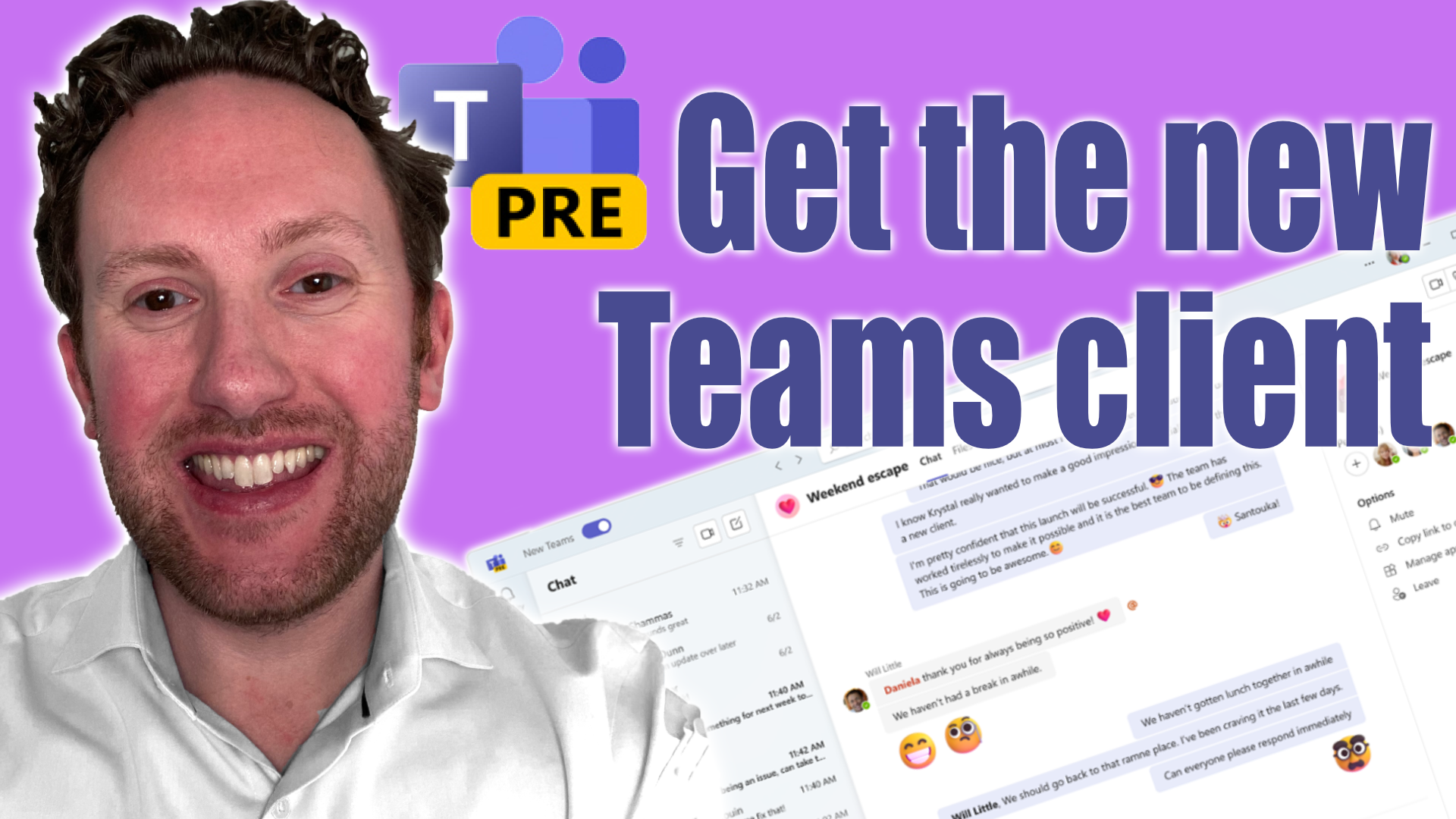
The new Teams client is here!
The new Microsoft Teams client is here; it's faster, it's better looking, and it has new features. If you've been finding your computer slowing down as a Teams user then this may be what you need to try.
Power BI: Use folders as data sources
Did you know, you can use folders - either locally or in SharePoint - as data sources in Power BI? A big benefit of this is that the data pulled from those folders isn't static, if you change the files in the folders and refresh your data then you pull the new contents into your model. This is a fantastic way to deal with scenarios where you are working with a piece of 3rd party software that cannot "talk" to Power BI - perhaps you are exporting CSV files, Excel files, or even PDFs from this system.