
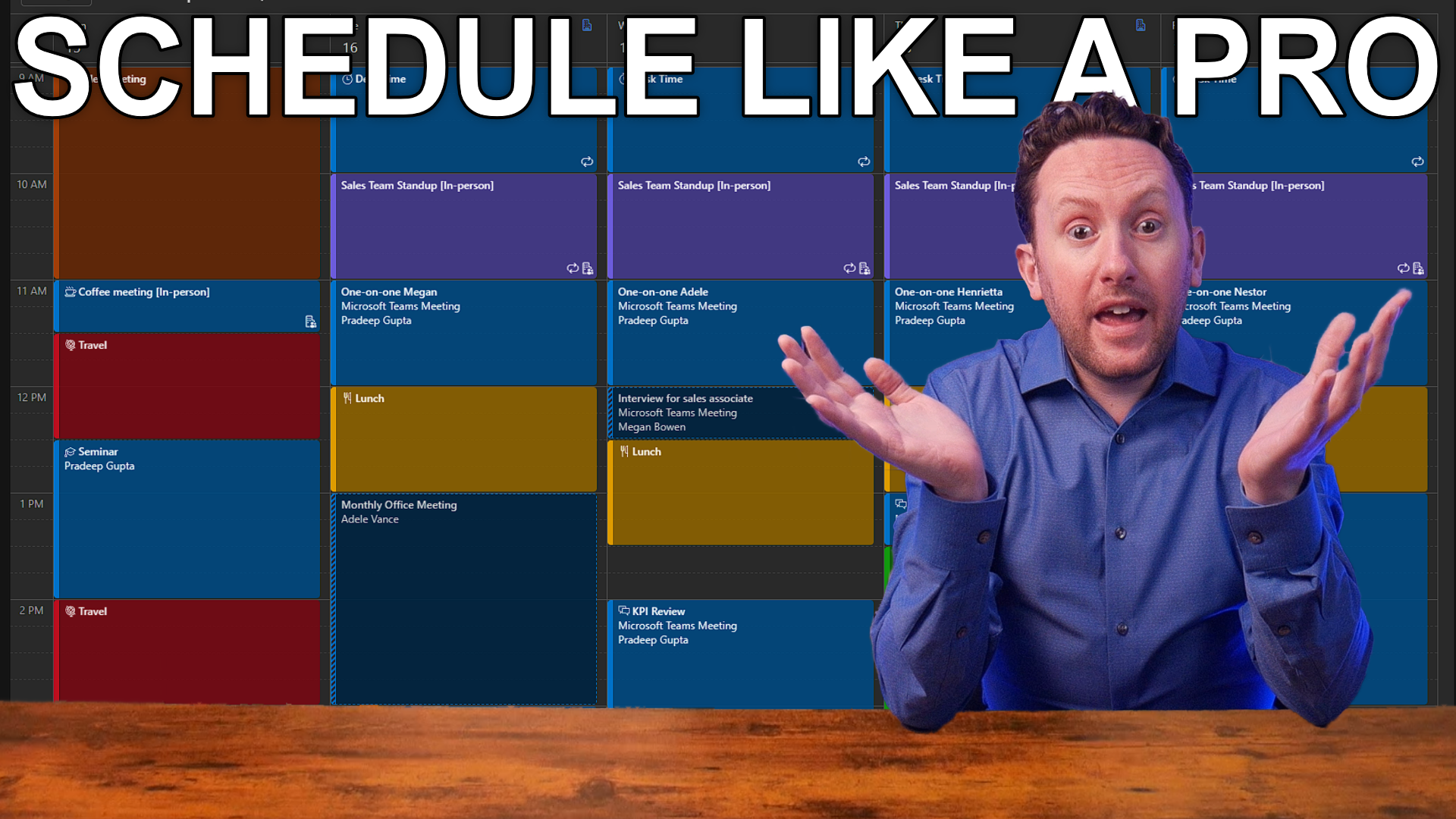
How to make meeting scheduling simple with Microsoft 365 (Outlook, Teams, Microsoft Bookings)
Many of us attend too many meetings. But the process of organizing them is often harder than it needs to be because you are not fully using the tools available to you in Microsoft 365 to help with that task. In this video we review the four main tools that can help you schedule meetings in an easier and more productive way. First we look at Scheduling Assistant in Microsoft Outlook and Microsoft Teams. Then we look at Scheduling Poll in Microsoft Outlook. Then Personal Bookings Pages and Shared Bookings Pages in Microsoft Bookings. Last, we look at some of the future features that Copilot might bring to help us with this process too.
Microsoft Forms: 3 new features to boost your forms experience
Microsoft Forms is one of those hidden Microsoft 365 apps that once you find it you constantly discover new ways to integrate it into your work to make you more productive.
In this video, we look at three new Forms (and Forms connected, as you will see) features that can help you enhance your data collecting experience. We can now sync our responses in Forms in Excel, we can use Copilot to create forms (if you are licensed for Copilot for Microsoft 365/Microsoft 365 Copilot), and Microsoft seems to have created its own competitor to Forms, a new experience in Microsoft Lists that allows you to create forms for data capture.

Is hybrid still the future of work?
Is hybrid still the future of work? Different modalities of work have had a few setbacks lately, and these new practices that it seemed would be the norm forever are getting undone in some companies. How should companies with Microsoft 365 approach these challenges? Have your adopted Teams properly to support you workers? What are the benefits or issues?
Microsoft has just announced changes in who can get Copilot for Microsoft 365, but what does this mean and is this the time to buy it? Copilot can be a game changer, so should you get it, and when?

Copilot Pro: Custom GPT Builder
Copilot Pro subscribers now get the opportunity to build their own Copilot GPTs inside Copilot, similarly to the capabilities we've had to built GPTs inside ChatGPT for a while.
But what is a GPT? What can it do? How does it work? How does it compare to ChatGPT's similar options? And how does this experience compare to the customization available to Copilot for Microsoft 365 subscribers?
Whether you're a Copilot Pro subscriber, ChatGPT Plus subscriber, or you're licensed for Microsoft 365 Copilot, this information may be valuable to you!

New Planner Preview: Copilot, Premium Plans and more
The new Microsoft Planner Preview is now available in Public Preview for Microsoft 365 users and in Microsoft Teams. If you want to learn how Microsoft aims to boost our productivity with task management, to do, and project planning, you'll want to try this new Public Preview of the Planner App in Teams. It integrates Copilot, Premium Plans (Project for the Web), and more.
One year with Copilot! Did Microsoft deliver on what it announced?
In March 2023, Microsoft dropped word of its plans for AI domination of the business productivity market with Microsoft 365 Copilot. This showed a new interface for business productivity, getting things done in Microsoft 365, whether it be Word, Outlook, Teams, PowerPoint, Excel, OneNote or Loop, with natural language instead of mouse clicks.
Now, one year on from that initial announcement, and with Copilot for Microsoft 365 accessible to all users, did Microsoft deliver on what it showed us? What aspects of this product are great, which are okay, and which need improvement? This is Copilot's freshman Report Card.

Why you should care about your MSP's security!
IT security is something that has grown into a major aspect of what every company providing technology services must think about, but not all of these companies are created equal, and you need to ensure your partner is doing what is needed to ensure their security in this increasingly complex world.
We also discuss AI governance, including governance for Copilot for Microsoft 365 and Microsoft's recent announcement of plugin availability for all Copilot licensed users.

Copilot in OneDrive: A Copilot for your files
Another day, another Copilot. Copilot is coming to OneDrive, and this Copilot in OneDrive is going to be a copilot for your files. This will allow you to use certain Copilot functions from within OneDrive to work more effectively with your files, such as asking questions of content, and using different files as context for your requests.
This is available to Copilot for Microsoft 365 (Microsoft 365 Copilot or M365 Copilot) licensed users.