
Three Mistakes for New Power Platform Users to Avoid
Getting started with Power Platform is really simple. If you already are a Microsoft 365 user then you probably already are licensed to use it, and if you’re fairly competent with Excel, there will be practically zero learning curve in creating your first app or automation. However, there are some mistakes you can make early on that it’s best to avoid to make your journey as smooth as possible.
Create a self-service visitor reception app for in-person appointments in Microsoft Bookings
Microsoft Bookings is a fantastic tool included in most Microsoft 365 plans that allows us to automate the process by which our customers or other stakeholders can book meetings or services with us. I use this in my own business for booking client meetings, but you could use it virtually anywhere from hair salons, to doctors' offices, to schools and universities.

Microsoft Teams Premium - Does your business need it?
If you have an existing Microsoft 365 license, you get Teams included for free, right? This is still correct, but over the last few years Microsoft has continued to roll out different add-on features for Teams at additional license cost; the latest package of which, announced last week at Ignite is Teams Premium. This is a $10 a month add-on which adds some additional features to Teams.
If You Use Power Platform You Need To Get This Tool
All Power Platform makers can gain benefit from PowerDocu, which provides an easy and quick way to develop technical documentation. But for those who are just starting out as individuals or small teams, this is an essential tool to help you document and version control your apps and flows while you build out more robust application lifecycle management (ALM) processes for your Power Platform use. Every Power Automate and Power Apps maker should download this.
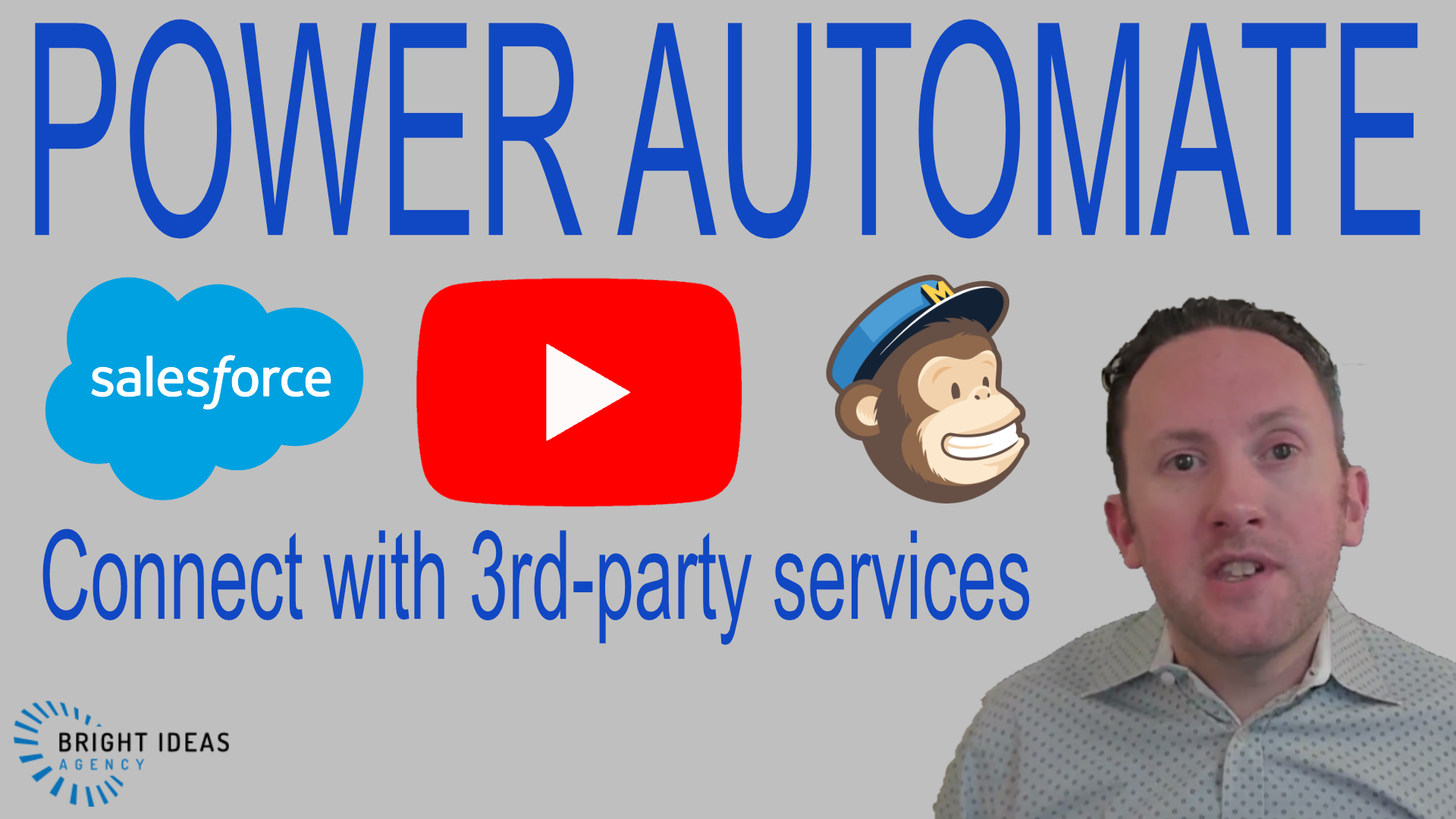
Connect Power Automate with 3rd-Party Services
So many examples of using Power Automate to simplify and automate work involve only Microsoft 365 or Microsoft owned services that you could be forgiven for thinking that it's a solely Microsoft ecosystem centered product. This could not be further from the truth, as you can easily interact with many 3rd-party services using connectors, and for those where connectors do not exist other options like custom connectors, intermediary SaaS services, or Power Automate Desktop do.
In this video we look at examples of how to interact with Mailchimp, YouTube, and Salesforce with Power Automate to connect with Microsoft Forms, Microsoft Lists, and Teams.

Top Reasons Why Power Platform is a Business Essential
The integration of digital technologies into your working processes to increase efficiency and improve outcomes isn't just differentiator, but is an essential in 2022. This video outlines why you should be taking the time to consider tools that modernize your processes and why the set of tools that should be first on your list is the Microsoft Power Platform.
Add Time Off tracking to the Shifts App in Microsoft Teams
The Shifts App in Microsoft Teams offers an integrated team scheduling, timeclock and time off request tracking feature set inbuilt in the Teams interface. In this video we explore how to use Power Automate, Power Apps, and Dataverse for Teams to add a simple time off accruals tracking capability into Shifts and to use this to automate responses to requests.
Microsoft Graph and Power Automate: What? Why? How?
The Microsoft Graph API provides access to much of the data in Microsoft 365, including that which is inaccessible or limited using the available connectors in Power Automate.