

How to: Get your Microsoft 365 Tenant ID with Power Automate
For certain actions in Power Automate you might need to know your Microsoft 365 Tenant ID. It's really easy to find this using publicly available websites, the MS Graph API, the Azure Portal, or even the creator portal for Power Automate or Power Apps. But what if you want to know the Tenant ID as a dynamic piece of data that changes based on the context of the user running the flow? This is harder, particularly if you only have access to Standard Connectors. This video shows you one approach that seems like it should work and doesn't, and another approach that solves this challenge.
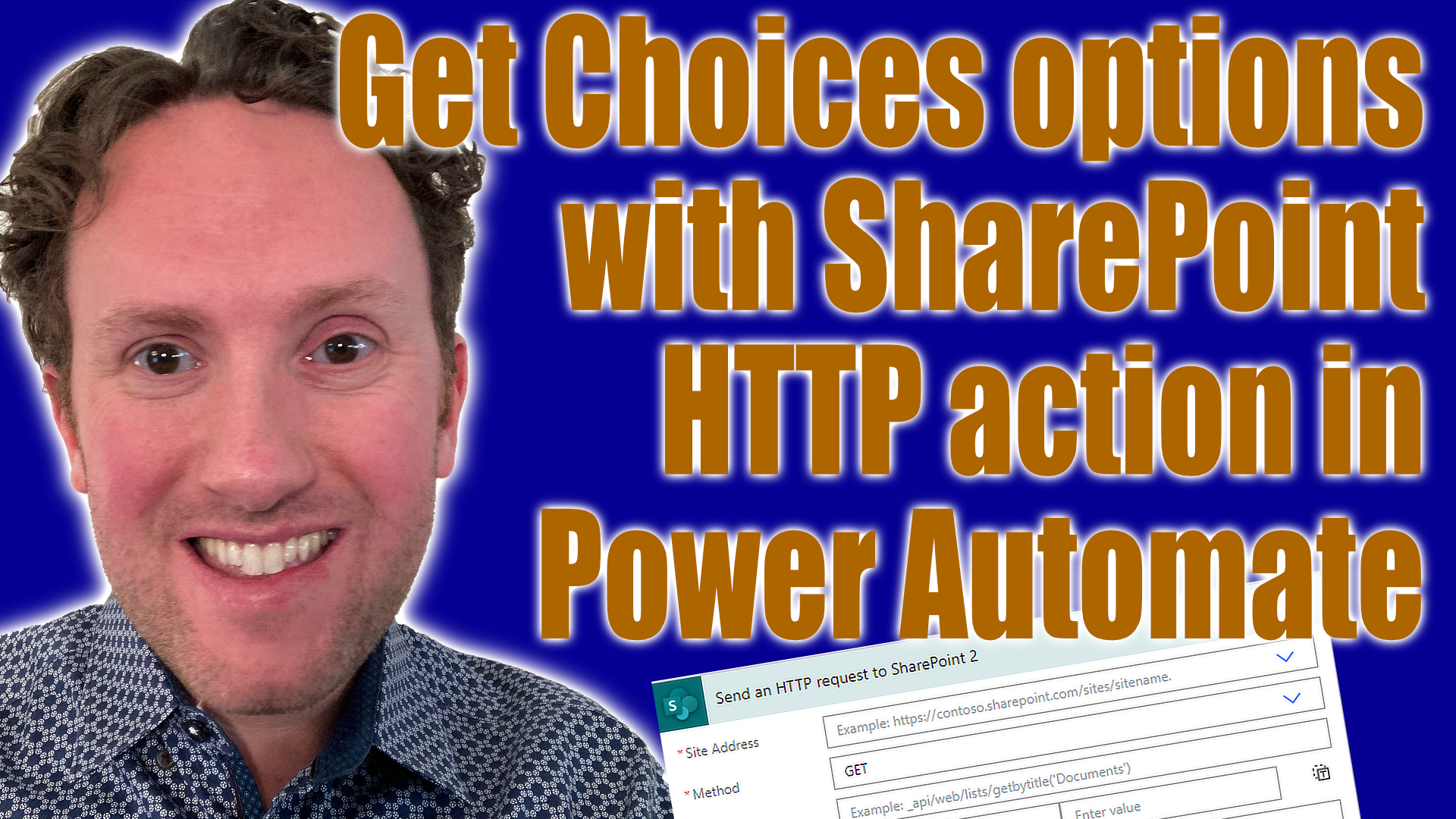
How to: Get choice column options with SharePoint HTTP action in Power Automate
Sometimes you want to use SharePoint as a data source but want to enter the data elsewhere using Power Automate. In this case, if you have Choices columns you might need to get a list of the possible options to use inside your flow. You can do this using the SharePoint HTTP action.

Plan a potluck lunch with Teams and Adaptive Cards
With the holidays quickly approaching in a lot of offices once-a-year or very infrequent activities are in full swing. Power Platform is a great tool to help with those time-consuming processes that come up occasionally, even the ones that are just supposed to be for fun.
Build a contact tracking tool in 30 minutes
One of the biggest benefits of low-code maker-led business application development is the agility it offers versus more traditional approaches. However, often the examples that are highlighted in videos like mine don't do enough to surface these quick and easy minimum-viable-product approaches that are designed to boost individual productivity rather than being tools entire teams rely on.
With minimal effort in learning new skills you can quickly flex to short-term changes in your process needs or the specific requirements of this week's project, creating tools to help you work efficiently but without the concerns that might be associated with building something for the longer term that is deeply critical to your business.
Develop and Test Solutions in Power Platform for Free
If you want to get started with exploring Power Platform or new features in Microsoft 365, it normally doesn't make sense to do so immediately in your production environment business account. Luckily Microsoft provides some great free programs to get started with developing solutions and testing with these tools without any impact on your normal business account.
Three Mistakes for New Power Platform Users to Avoid
Getting started with Power Platform is really simple. If you already are a Microsoft 365 user then you probably already are licensed to use it, and if you’re fairly competent with Excel, there will be practically zero learning curve in creating your first app or automation. However, there are some mistakes you can make early on that it’s best to avoid to make your journey as smooth as possible.
Create a self-service visitor reception app for in-person appointments in Microsoft Bookings
Microsoft Bookings is a fantastic tool included in most Microsoft 365 plans that allows us to automate the process by which our customers or other stakeholders can book meetings or services with us. I use this in my own business for booking client meetings, but you could use it virtually anywhere from hair salons, to doctors' offices, to schools and universities.

Microsoft Teams Premium - Does your business need it?
If you have an existing Microsoft 365 license, you get Teams included for free, right? This is still correct, but over the last few years Microsoft has continued to roll out different add-on features for Teams at additional license cost; the latest package of which, announced last week at Ignite is Teams Premium. This is a $10 a month add-on which adds some additional features to Teams.